
GoldenRoo Casino App for Gaming on the Go
GoldenRoo provides users with the entire set of mobile services equivalent to the desktop version in all essential features. Casino operates as Progressive Web Application allowing you to get access to the full suite of pokies, Instant Wins, table and live dealer games right from your smartphone or tablet. GoldenRoo app doesn’t need to be downloaded from an app store or installed separately. After adding to your home screen, the interface acts as a native application but stays in sync with the desktop profile.


GoldenRoo casino app maintains the same balance, bonuses, transaction history and verification status on every device. You just enter the site through your mobile browser, add to the home screen and continue playing without opening another profile.
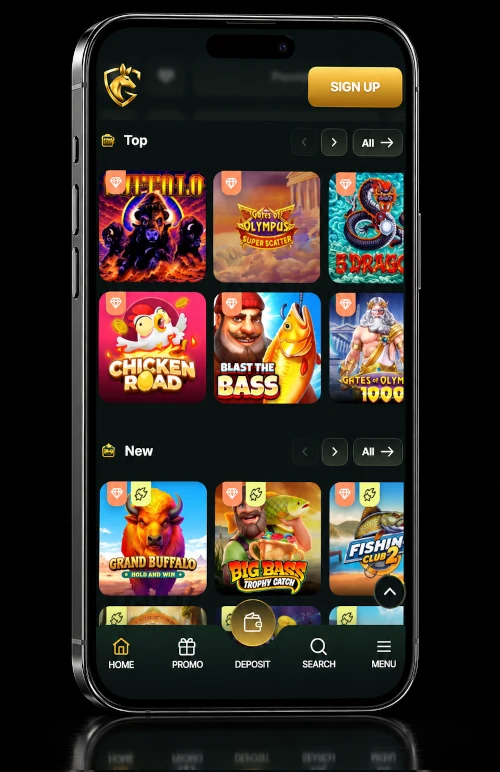
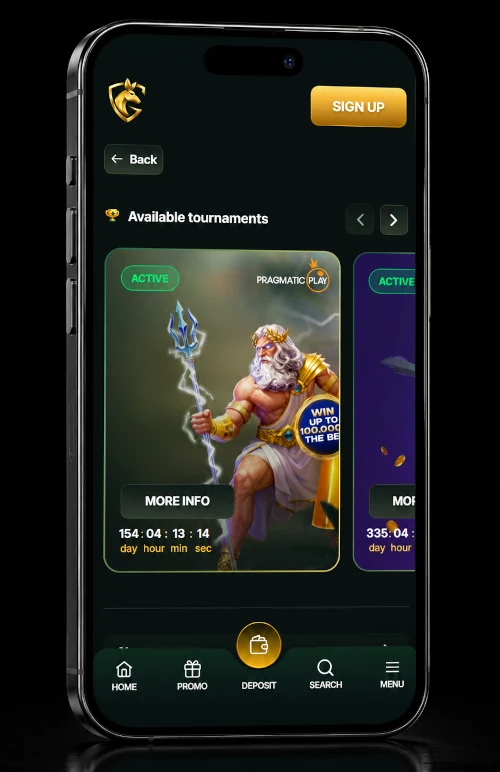
GoldenRoo App on iPhone
In the case of iPhone and iPad, the Progressive Web Application is added via Safari.
- Launch the GoldenRoo official website using the Safari browser.
- Press the Share button present at the bottom of the screen.
- Scroll down in the list of sharing options and find Add to Home Screen.
- Choose it and agree with the name of the website displayed.
- The GoldenRoo logo is thus added to your home screen.
When pressing the logo, you can start using the platform in its own window without the Safari toolbar present. The use of the platform will resemble the use of a native application, but you will continue to work under the same account and with the same data that are used on the desktop version. Hence, the Golden Roo app can be accessed on iOS without downloading from the App Store.
GoldenRoo App on Android
Whatever you read on third-party websites, you should know that the GoldenRoo app download for android takes place as a PWA installation, not an APK download. To install the GoldenRoo Progressive Web App on your Android device will require minimal effort from within the mobile browser.
- Navigate to the official GoldenRoo website using the Chrome browser or any other browser.
- As soon as the page is loaded, locate the browser menu identified with three dots in the upper-right corner of the web page. Then select the option “Add to home screen” or “Install app”.
- As a result, a pop-up window will appear requesting you to provide a name for the icon.
- Press the corresponding button, and the GoldenRoo app will be added to your mobile device’s home screen.
You will access the app just as you do any other app by touching the icon. It will run in fullscreen without any browser chrome. All information related to the accounts will be connected with the login credentials. The PWA will get automatic updates anytime you use it, being connected to the internet. No updates are needed via the app store. Thus, the GoldenRoo app download on Android is done completely within the browser and leaves nothing else but a small icon on the home screen. It works on the latest Android versions and doesn’t require additional permissions.
Mobile Login Instruction at GoldenRoo App
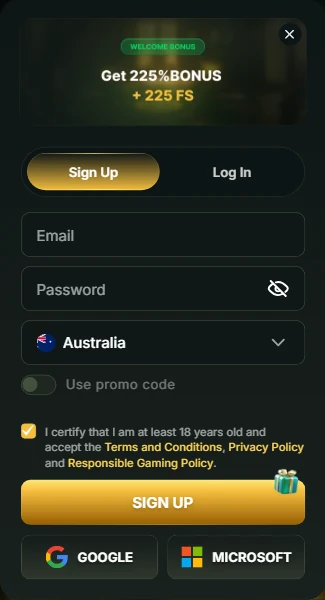
Mobile logging into the GoldenRoo official app requires the exact same credentials as the account that was created during registration regardless of the device you use. There is no need for creating another account for accessing the Progressive Web Application (PWA). Your email and password that you use on desktop will be valid for the mobile version. If you used social login (for instance, Google) to create an account, then the option will be still available.
After launching the PWA via the home screen icon, you will just need to insert your email and password or choose a social login button depending on the type of registration you used earlier. The session is continued between devices in such a way that the balance you updated via mobile is immediately displayed when you will log in from a computer. The bonuses acquired via one of the devices will be active on the other.
If you lost your password, the same procedure is applicable for both desktop and mobile logging in. Just click on the “forgot password” link, type your email, and follow the instructions you receive. Once the password will be reset, it will be valid everywhere. Thus, GoldenRoo login is the same for browsing from the window of your browser and for PWA.
Creating two profiles is forbidden. Opening a second profile on your mobile device having registered an account via desktop violates the conditions. Make sure you always use the original credentials for your account.
Mobile Interface of Golden Roo Casino App
GoldenRoo mobile interface restructures every area of the platform for touchscreen devices, keeping the full set of functionalities of the desktop version. Pokies are loaded with a responsive control system that converts all mouse operations into tapping and swiping. Bet buttons, spinning options and informational panels resize themselves to become comfortable for reaching with the thumb. The graphics of games scale up without losing clarity and fit any high resolution mobile screens.
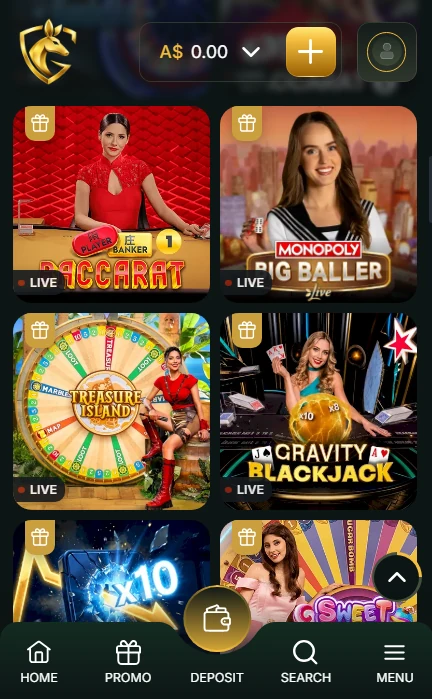
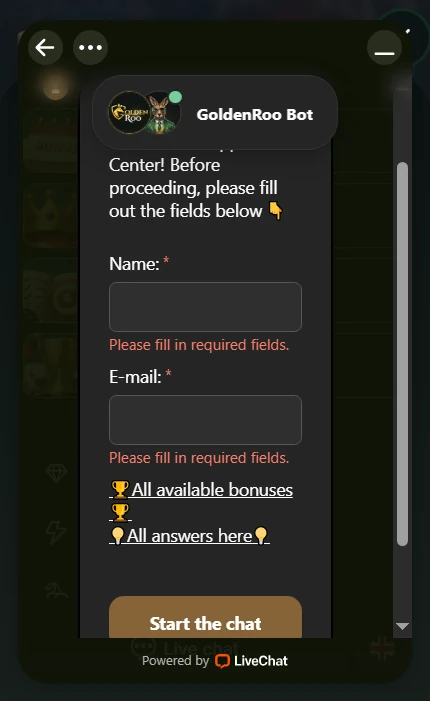
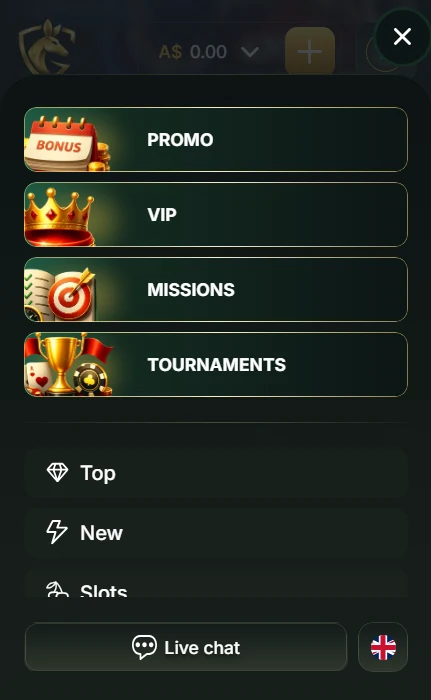
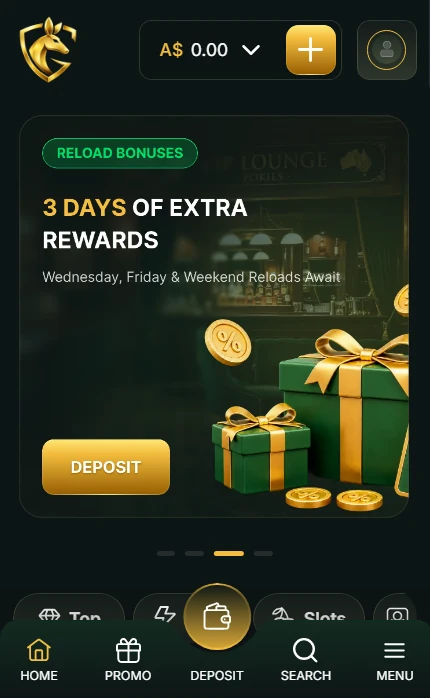
Searching and filtering tools are provided so you can find any pokie, Instant Win game or live tables without too much scrolling. The list of your favourite games on the desktop is synchronised with mobile and vice versa. The list of last played games is updated across different platforms, so your recent games are just one tap away.
Live dealer tables offer video streaming optimised for either portrait or landscape orientation. Betting chips and other controls are scaled up to become reachable for tapping. There are the same deposit and withdrawal options with the AUD limits and the whole list of supported cryptocurrencies in the cashier. Your transaction history, bonus balance and loyalty programme data will be fully available for you.
All of the features of the GoldenRoo platform are preserved in the mobile version. Promotions, verification processes, responsible gambling restrictions, and contacting customer support can be performed through the mobile interface without the necessity of returning to the desktop. The Progressive Web Application becomes a full-fledged mobile counterpart of the casino.